Facebook Messenger
Messenger greeting and Get Started button: a first impression that sells

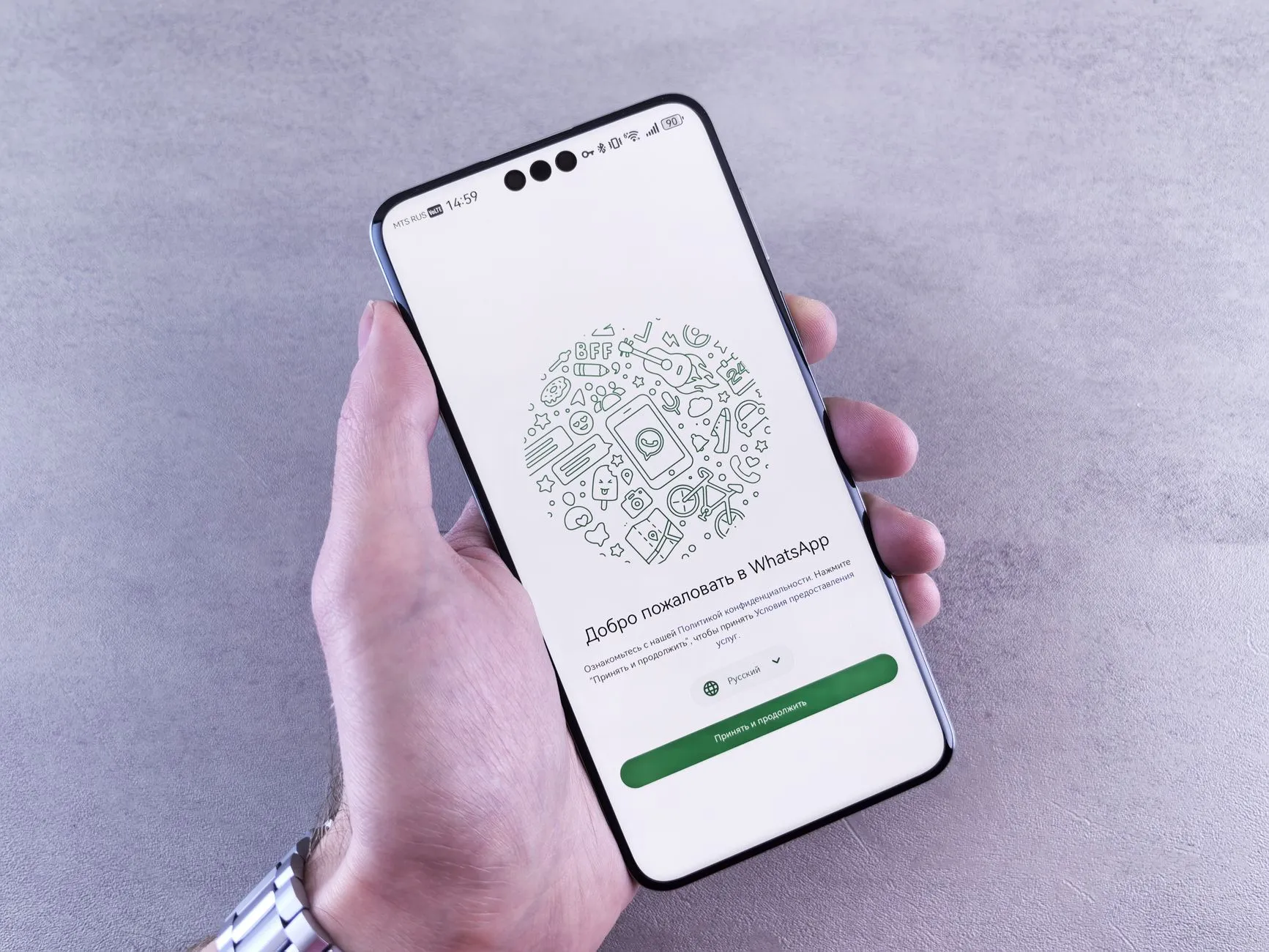
A Messenger greeting and Get Started button are the first thing a customer sees in your Messenger. Together they set the tone and launch the conversation right: the customer immediately understands how you’ll help and takes the first step toward an order.
It’s the cheapest piece of automation with a real effect — set up once, it works in every new conversation.
What should the greeting contain?
Three things in seconds: who you are, how you’ll help and what to do next. Long text and vague phrases only scare people off in the first seconds.
How does the Get Started button work?
Tapping the button launches the conversation and can trigger a funnel right away — the customer gets a first useful message with no delay.
- 1
Customer opens the chat
Sees the greeting before the first message.
- 2
Taps Get Started
The action launches the dialogue and the first automatic message.
- 3
Gets the next step
You lead them to a product question or checkout.
How do you avoid sounding like a robot?
Personalise the address and keep the tone alive. Messenger inserts the customer’s name — use it so the automated greeting feels personal.
Frequently asked questions
What is a Messenger greeting?
It's the text a customer sees before the conversation begins — before the first message. It explains how you can help and sets the tone, so it should be short and specific.
Why the Get Started button?
It launches the conversation and can trigger a funnel right away: the customer taps and gets a first useful message. That turns a passive visit into an active first step.
What do you write in a greeting?
Briefly: who you are, how you'll help and what to do next. Avoid long texts and vague phrases — in the first seconds the customer decides whether to continue.
Can you personalise the greeting?
Yes, Messenger inserts the customer's name. A personal address makes the automated message warmer and reduces the feeling of talking to a robot.
How does the greeting affect sales?
It sets the first impression and the direction of the dialogue. A clear greeting with an obvious next step leads more people to ask about the product instead of leaving without a reply.
Read next

messenger-sales
Automating common questions in Messenger
Which Messenger questions to automate first, how to write a reply that doesn't annoy, and the signals that should hand a conversation to a human.

messenger-sales
Messenger 24-hour window (2026): what you can still send
How the 24-hour window works, what the 7-day human-agent tag still allows, and the three message tags Meta switched off on 27 April 2026 — error code 100.

messenger-sales
From Facebook groups into Messenger without breaking rules
How to turn Facebook group members into Messenger conversations: what's allowed, what counts as spam, and which formats produce leads without risking the account.
messenger-sales
Messenger persistent menu: navigation for your products
How to set up a persistent menu in Messenger, how many items it should hold, and why it removes more repeat questions than a welcome message does.