Facebook Messenger
Messenger 24-hour window (2026): what you can still send
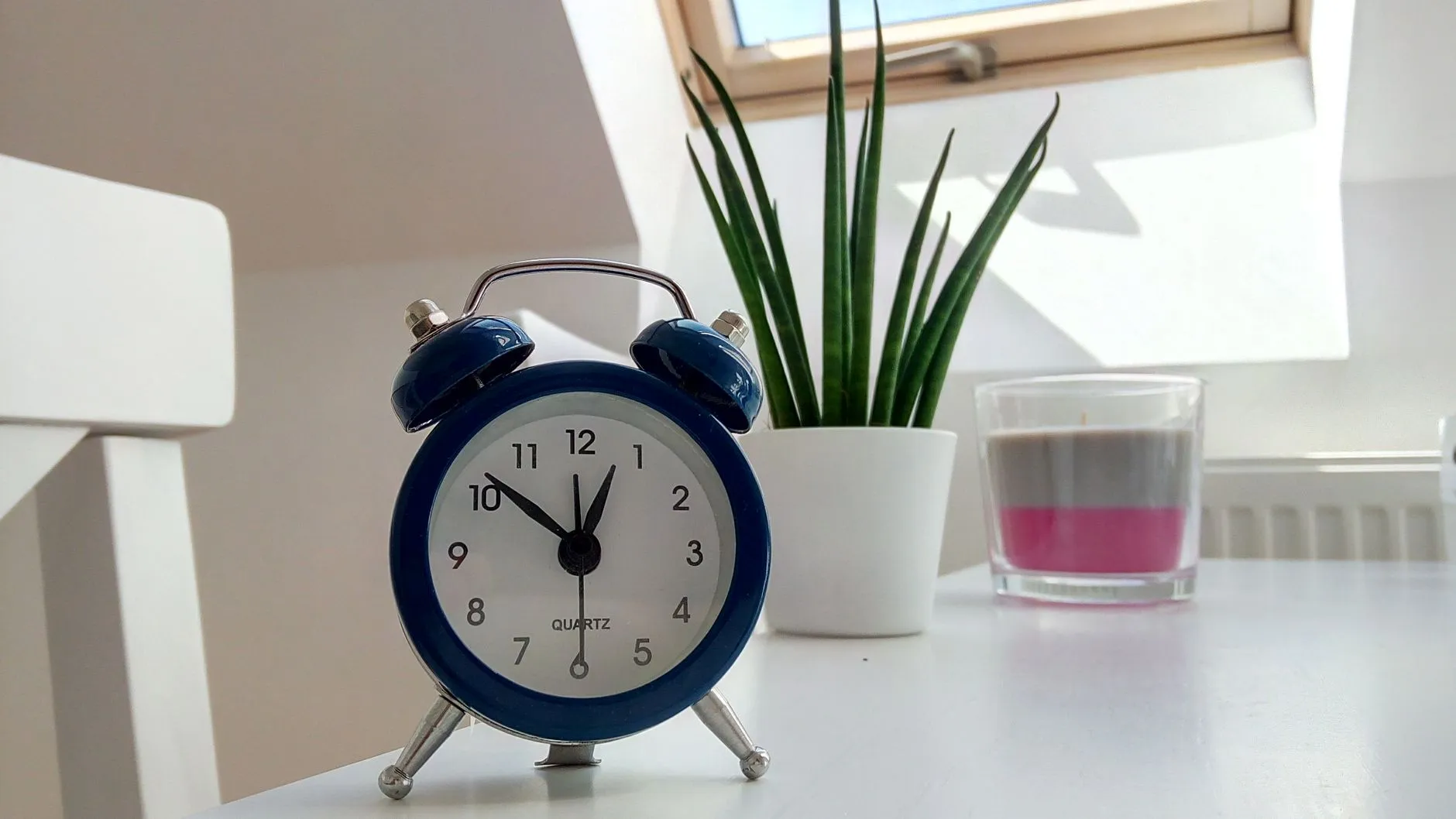
Messenger’s 24-hour window is the period after a customer’s last message during which a business replies freely, promotional content included. Outside it the rules narrow sharply, and in 2026 several familiar workarounds stopped functioning altogether.
This isn’t a platform suggestion but a technical constraint: a message sent against the rules doesn’t arrive, and your page accumulates violations.
How does the window actually work?
24 hours Meta, Messenger Platform policy, 2026 is the standard response period, counted from the customer’s last message. Every new message from the person resets the clock.
Inside the window there are almost no restrictions: promotions, selections and offers are all allowed. Which is why the most valuable action in Messenger isn’t a broadcast but a question the customer will answer — their reply reopens the window.
- 1
Customer writes
The clock starts. 24 hours of free communication, promotions included.
- 2
You reply
Your reply does NOT extend the window. Only a message from the customer does.
- 3
Window closes
No promotional sends. What remains is a limited extension — and only from a human.
- 4
Customer writes again
A fresh 24 hours. That's why a question at the end of a thread is mechanics, not politeness.
What is the human-agent extension?
Outside the 24-hour window, Messenger permits a message within 7 days Meta, Messenger Platform policy, 2026 of the customer’s last activity — but only one written by an actual person. Automated messages are explicitly prohibited in that extension.
Two common mistakes hide here.
The first is pushing an automated reminder chain through the extension. That’s a violation, and the platform can see it.
The second, even more common, is assuming the same applies on Instagram. It doesn’t — the human-agent extension exists on Messenger, and Instagram messaging has no equivalent. If you configure identical flows for both channels, the Instagram branch will quietly start failing.
Which message tags no longer work?
In 2026 Meta retired three legacy tags that shop flows had relied on for years. As of 27 April 2026 Meta, Messenger Platform changelog, 2026 , all API requests carrying CONFIRMED_EVENT_UPDATE, ACCOUNT_UPDATE or POST_PURCHASE_UPDATE return error code 100.
The practical consequence is unpleasant: if your post-purchase messaging was built on POST_PURCHASE_UPDATE, it isn’t «working worse» — it isn’t working. And you won’t learn that from an error notification, but from customers no longer receiving confirmations.
Check this now if you have any automation running outside the 24-hour window.
How do you build communication that doesn’t hit the rules?
The core idea: don’t try to get around the window — learn to reopen it.
Every message you send should end with something easy to answer. Not «let me know if you have questions» (nobody answers that) but a specific one: «want me to check the size?», «what date do you need it for?».
The customer’s reply hands you a fresh 24 hours of legitimate freedom. That’s a far more durable strategy than hunting for a technical workaround Meta will close in the next update — as it just closed three.
A quick audit of your automation
- Do you send any messages more than 24 hours after the customer’s last message?
- If so, are they written by a human or automated?
- Do your flows rely on
CONFIRMED_EVENT_UPDATE,ACCOUNT_UPDATEorPOST_PURCHASE_UPDATE? - Has a Messenger flow been copied to Instagram without accounting for the missing 7-day extension?
- Does every message you send end with a question capable of reopening the window?
Frequently asked questions
What is the 24-hour window in Messenger?
It's the period after a customer's last message during which a business can reply freely, including promotional content. The countdown restarts with every new message the person sends.
Can you message a customer three days after they wrote?
On Messenger, yes — but only with a message written by a human agent, and only within 7 days of the customer's last activity. Automated messages are not allowed in that extension.
Does the 7-day extension apply to Instagram Direct?
No. The human-agent extension exists on Messenger; Instagram messaging doesn't have it. This is the most common mistake among people who copy the same flows to both channels.
Which message tags did Meta switch off in 2026?
As of 27 April 2026, requests using CONFIRMED_EVENT_UPDATE, ACCOUNT_UPDATE and POST_PURCHASE_UPDATE return error code 100. If your flow still relies on them, the messages simply don't arrive.
What do you do when the window has closed and you need to reply?
Use another channel the customer opted into: email, SMS, WhatsApp. Or wait for a new message from them — that reopens the window.
Read next

messenger-sales
Automating common questions in Messenger
Which Messenger questions to automate first, how to write a reply that doesn't annoy, and the signals that should hand a conversation to a human.

messenger-sales
From Facebook groups into Messenger without breaking rules
How to turn Facebook group members into Messenger conversations: what's allowed, what counts as spam, and which formats produce leads without risking the account.
messenger-sales
Messenger persistent menu: navigation for your products
How to set up a persistent menu in Messenger, how many items it should hold, and why it removes more repeat questions than a welcome message does.
messenger-sales
Click-to-Messenger ads: how paid traffic leads into a chat
What Click-to-Messenger ads are, why they beat a landing page, and how to turn paid Facebook traffic into conversations and orders.