Facebook Messenger
Messenger persistent menu: navigation for your products
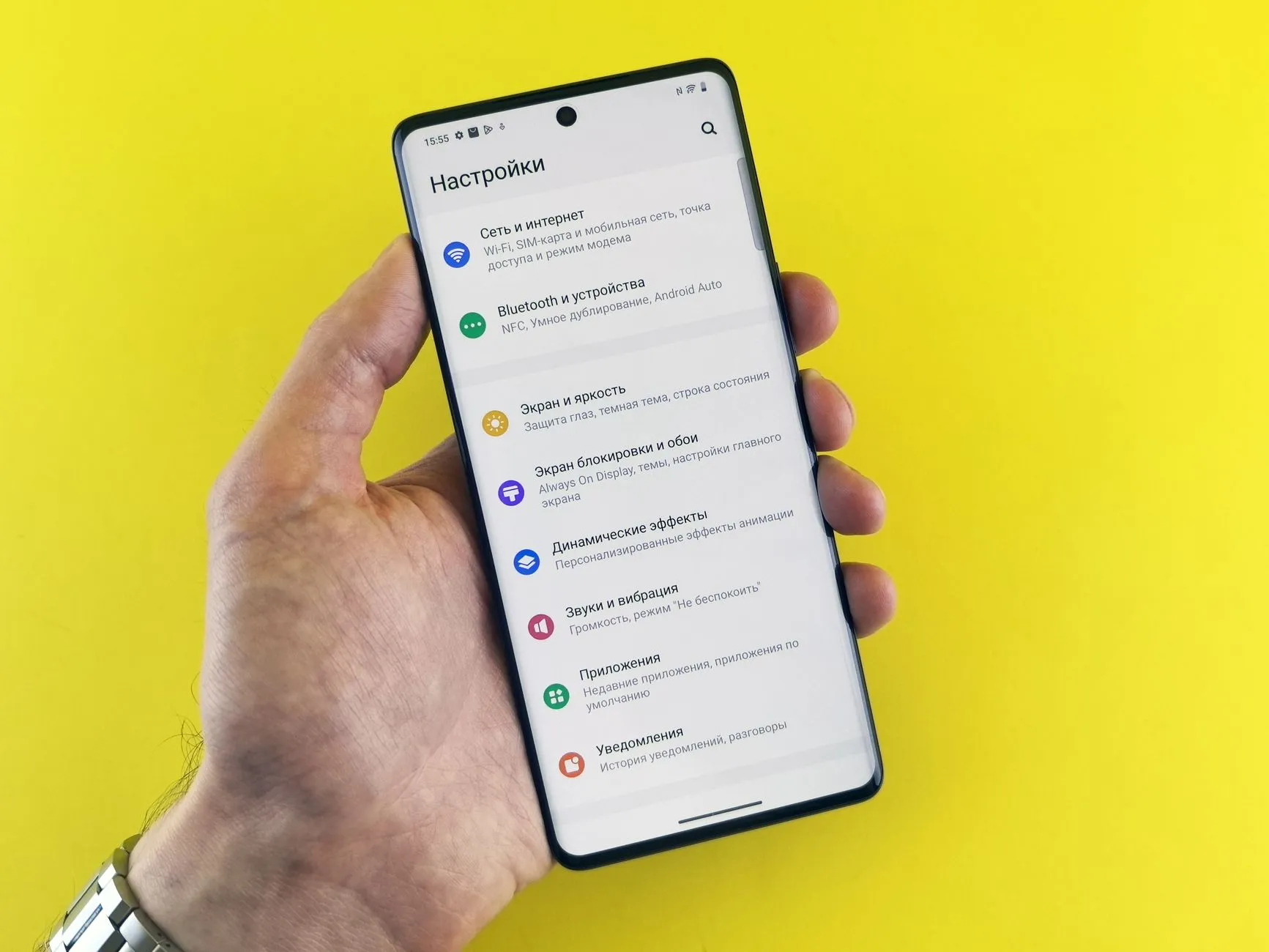
A persistent menu in Messenger is a button holding a list of actions, available throughout the conversation rather than only at the start. It removes repeat questions about delivery, payment and availability better than any welcome message, because it doesn’t disappear after being shown once.
Meta continues to develop the feature: the persistent menu now works in Instagram messaging as well as Messenger, so a single approach covers both channels.
Why does a menu beat a welcome message?
Because of when people see it. A welcome message appears once, when the customer doesn’t yet have a specific question. The menu is there exactly when the question appears — three minutes into a conversation or a week later.
The second reason is format. Tapping an item is easier than composing a question, and every tap gives you a clear signal about intent.
Which items do you actually need?
The ones answering real, repeated questions. The most reliable way to find them is to open your last month of messages and group them.
- 1
Availability and prices
The most common question in almost every shop. Leads to a catalogue or a quick match.
- 2
Delivery and payment
Second most common. One item, a short answer, no site visit required.
- 3
Current offers
The thing that changes. Gives people a reason to reopen the menu.
- 4
Message a manager
A mandatory final item. A menu with no route to a human is irritating.
Name items after the customer’s action rather than a section. «Check delivery» beats «Delivery», because it matches how people phrase the intention in their head.
What shouldn’t be in the menu?
«About us» and «our story». Nobody opens those in a messenger; this is a place for questions, not image.
Dead ends. Every item should end in an action or a way back. An item that leaves the customer holding text and nothing else is a dropped conversation.
Links that push people out of the app unnecessarily. If the answer is short, give it in the chat. Sending someone to a website for two sentences loses half of them.
How do you check it works?
Two ways, both taking minutes.
First, walk it yourself from another account, on a phone. A menu that reads well on a desktop is often awkward on the screen where it will actually be seen.
Second, reconcile the items with your stock once a quarter. A menu pointing at a category you no longer carry does more damage than having no menu: it reads as a neglected shop.
An example menu for a small clothing shop
- Find my size → questions about measurements, then a manager
- Availability and price → catalogue or a quick check
- Delivery and payment → short answer in chat, no links
- What’s new → current selection, refreshed weekly
- Message a manager → hands the conversation to a person
Five items, each matching a real repeated question, the last always available.
Frequently asked questions
Where is the persistent menu in Messenger?
It's a button at the bottom of the conversation window; tapping it opens the list of items you configured. It's available at any point in the conversation rather than only at the start — that's the key difference from a welcome message.
How many items should the menu have?
Three to five. Every extra item lowers the chance the customer picks any of them: a long list makes people type instead, and the menu's purpose disappears.
Does the persistent menu work on Instagram?
Yes — Meta extended it to Instagram messaging as well. But don't copy the items mechanically: Instagram brings a different mix of questions, and the menu should reflect those.
Why is a menu better than a welcome message?
A welcome message is seen once and forgotten. The menu is available at any stage of the conversation — including a week later, when the question actually comes up.
Do you need a menu with a small catalogue?
Yes, but not for the catalogue. In a small shop the most useful items aren't product categories but «delivery and payment», «availability» and «message a manager» — those are the questions that repeat.
Read next

messenger-sales
Automating common questions in Messenger
Which Messenger questions to automate first, how to write a reply that doesn't annoy, and the signals that should hand a conversation to a human.

messenger-sales
Messenger 24-hour window (2026): what you can still send
How the 24-hour window works, what the 7-day human-agent tag still allows, and the three message tags Meta switched off on 27 April 2026 — error code 100.

messenger-sales
From Facebook groups into Messenger without breaking rules
How to turn Facebook group members into Messenger conversations: what's allowed, what counts as spam, and which formats produce leads without risking the account.

messenger-sales
Click-to-Messenger ads: how paid traffic leads into a chat
What Click-to-Messenger ads are, why they beat a landing page, and how to turn paid Facebook traffic into conversations and orders.